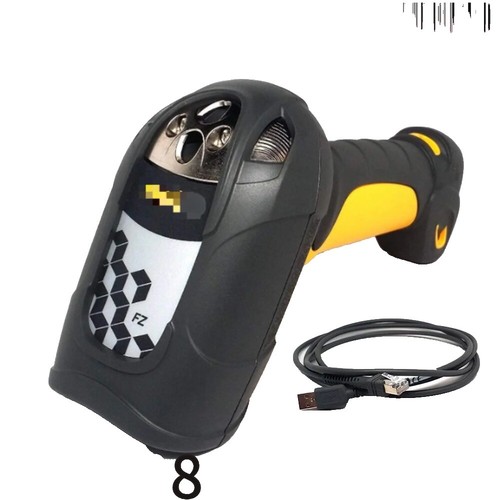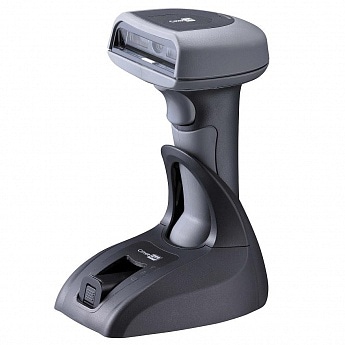
When using a Unitech device for inventory management, barcode scanning, warehouse operations, or other daily business tasks, a reliable battery is essential. If the device starts losing power quickly, shuts down unexpectedly, or takes too long to charge, an aging battery may be the reason.
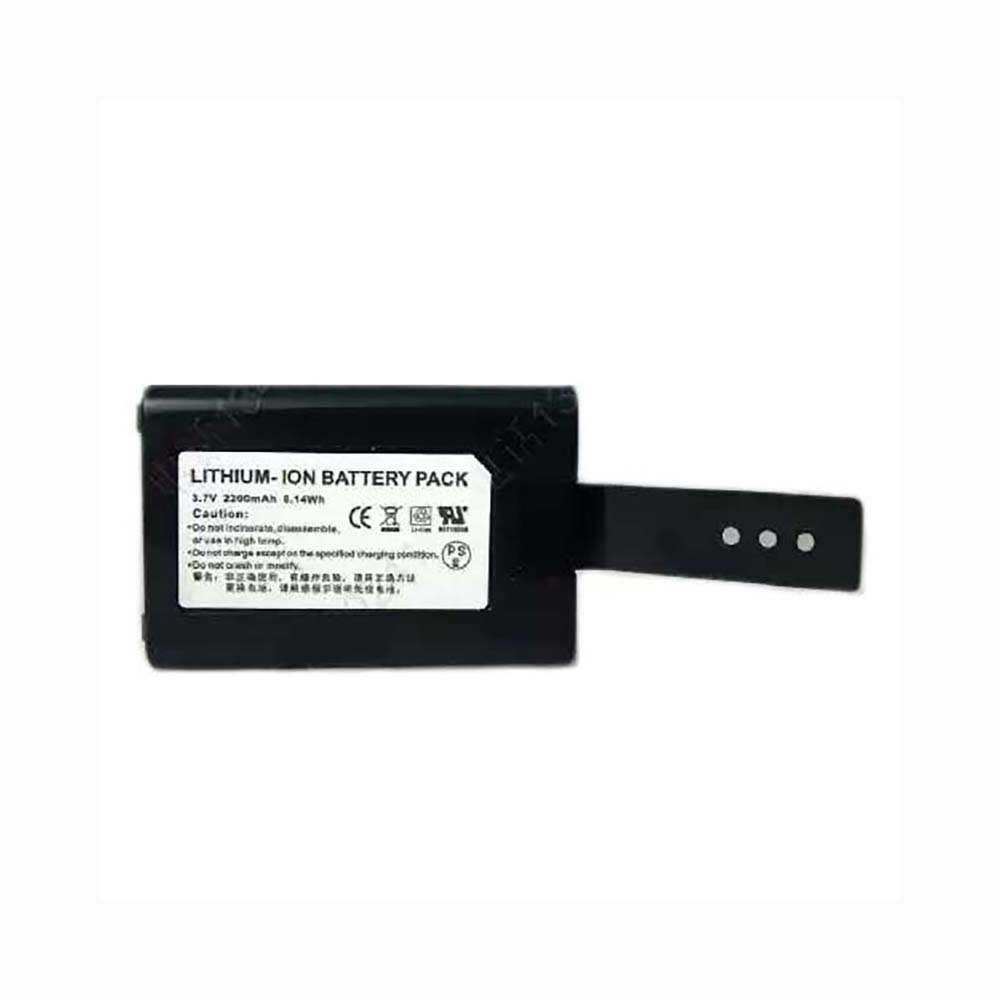
The 2200mAh 1400-900001G replacement battery for Unitech is a suitable replacement option when the original battery can no longer provide dependable runtime. Understanding common battery problems and knowing when to replace the battery can help keep your equipment working throughout the day.
Why Does Your Unitech Battery Drain So Quickly?
Short battery life is one of the most common problems with rechargeable batteries after extended use. A Unitech device that once operated for an entire work shift may eventually require several charging sessions throughout the day.
Several factors can contribute to this problem.
First, repeated charging and discharging gradually reduce the battery’s capacity. As the battery ages, it stores less energy than it did when new. This means the device may run out of power much sooner, even after a full charge.
Second, frequent barcode scanning, wireless communication, screen usage, and background operations can increase power consumption. In busy warehouses and retail environments, these functions may be used continuously.
Temperature can also affect battery performance. Excessive heat or prolonged exposure to cold conditions may reduce available runtime and accelerate battery deterioration.
If your Unitech device frequently displays a low-battery warning or shuts down before completing a normal shift, it may be time to inspect the battery.
What to Do When Your Unitech Battery Cannot Be Charged
Another common issue is a battery that refuses to charge or never reaches 100%.
Before replacing the battery, check the charging equipment and connections. A loose connection, damaged charging cable, faulty charging dock, or dirty battery contacts may prevent normal charging.
You can try the following troubleshooting steps:
- Check whether the charger and charging dock are functioning correctly.
- Inspect the battery contacts for dust, dirt, or visible damage.
- Reconnect the battery and make sure it is properly installed.
- Restart the Unitech device and check whether the charging indicator works normally.
- Test with a compatible charging accessory if available.
If the device still cannot charge after these checks, the battery may have deteriorated internally. A battery that repeatedly stops charging, loses power immediately after being disconnected, or shows inconsistent charge levels may need replacement.
Do not continue using a battery that is swollen, leaking, unusually hot, or physically damaged.
How to Tell Whether Your Unitech Battery Needs Replacement
Not every power problem means the battery is defective. However, several warning signs can help you identify battery deterioration.
1. Significantly Reduced Runtime
If the device runs for only a few hours despite being fully charged, the battery may have lost much of its original capacity.
2. Unexpected Shutdowns
A device that suddenly powers off even when the battery indicator shows remaining power may have an unstable battery.
3. Charging Takes Too Long
If charging takes considerably longer than usual or the battery never reaches a full charge, its condition should be checked.
4. Battery Percentage Changes Suddenly
An inconsistent battery indicator, such as dropping rapidly from 50% to 10%, may indicate that the battery can no longer deliver stable power.
5. Device Only Works When Connected to Power
If the Unitech device shuts down shortly after being disconnected from its charger, the battery may no longer hold sufficient energy.
When these symptoms continue after checking the charger and device connections, replacing the battery is a practical solution.
2200mAh 1400-900001G Replacement Battery for Unitech
For users experiencing frequent power interruptions, the 2200mAh 1400-900001G battery replacement provides an alternative to a worn-out battery.
When choosing a replacement, checking the battery model number is particularly important. Make sure the replacement is identified as 1400-900001G and that its connector, dimensions, voltage, and installation requirements match your device.
A compatible replacement battery can help restore dependable portable operation and reduce interruptions caused by insufficient battery capacity.
Before installation, turn off the device and follow the manufacturer’s battery replacement instructions. Ensure that the battery is correctly positioned and securely connected before powering on the equipment.
Where Is the Unitech 1400-900001G Battery Used?
Unitech equipment is commonly associated with professional data collection and mobile computing tasks. Reliable battery power is particularly important in environments where devices need to operate away from a fixed power source.
Typical working scenarios include:
Warehouse and Inventory Management: Employees use mobile devices to scan product barcodes, check stock levels, and update inventory records throughout their shifts.
Retail Operations: Portable data collection equipment supports product identification, stock checks, and daily store management.
Logistics and Distribution: Workers rely on mobile devices to track packages, record deliveries, and manage goods during transportation and sorting.
Field Data Collection: Mobile equipment allows staff to collect and transmit information while working in different locations.
In these situations, a battery with insufficient capacity can interrupt daily operations. Replacing an aging battery helps reduce unexpected downtime and keeps mobile equipment available for regular tasks.
Frequently Asked Questions
Q1: Why does my Unitech device lose battery power so quickly?
Battery aging is a common reason. Repeated charging cycles gradually reduce battery capacity. Heavy device usage, wireless communication, and extreme temperatures may also contribute to faster power consumption.
Q2: Why is my Unitech 1400-900001G battery not charging?
Possible causes include a faulty charger, dirty contacts, poor connections, or an aging battery. Check the charging accessories and battery installation before deciding whether replacement is necessary.
Q3: How do I know if my Unitech battery is damaged?
Common signs include short runtime, unexpected shutdowns, inconsistent battery percentage, slow charging, and an inability to hold a charge.
Q4: What capacity is the 1400-900001G replacement battery?
This replacement battery has a capacity of 2200mAh. Always verify the model number and electrical specifications before purchasing.
Q5: When should I replace my Unitech battery?
Consider replacement when the battery can no longer support normal daily usage, repeatedly fails to charge, or causes unexpected device shutdowns.
Battery problems can affect productivity when using Unitech equipment for warehouse management, retail operations, logistics, and fieldwork. Short runtime, charging failures, and unexpected shutdowns are common signs that an aging battery may need attention.
The 2200mAh 1400-900001G replacement battery for Unitech offers a replacement option for users dealing with these problems. Checking the model number and compatibility specifications before installation can help ensure a suitable replacement and more reliable daily operation.