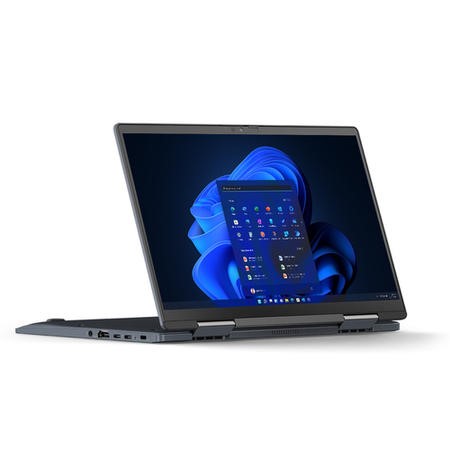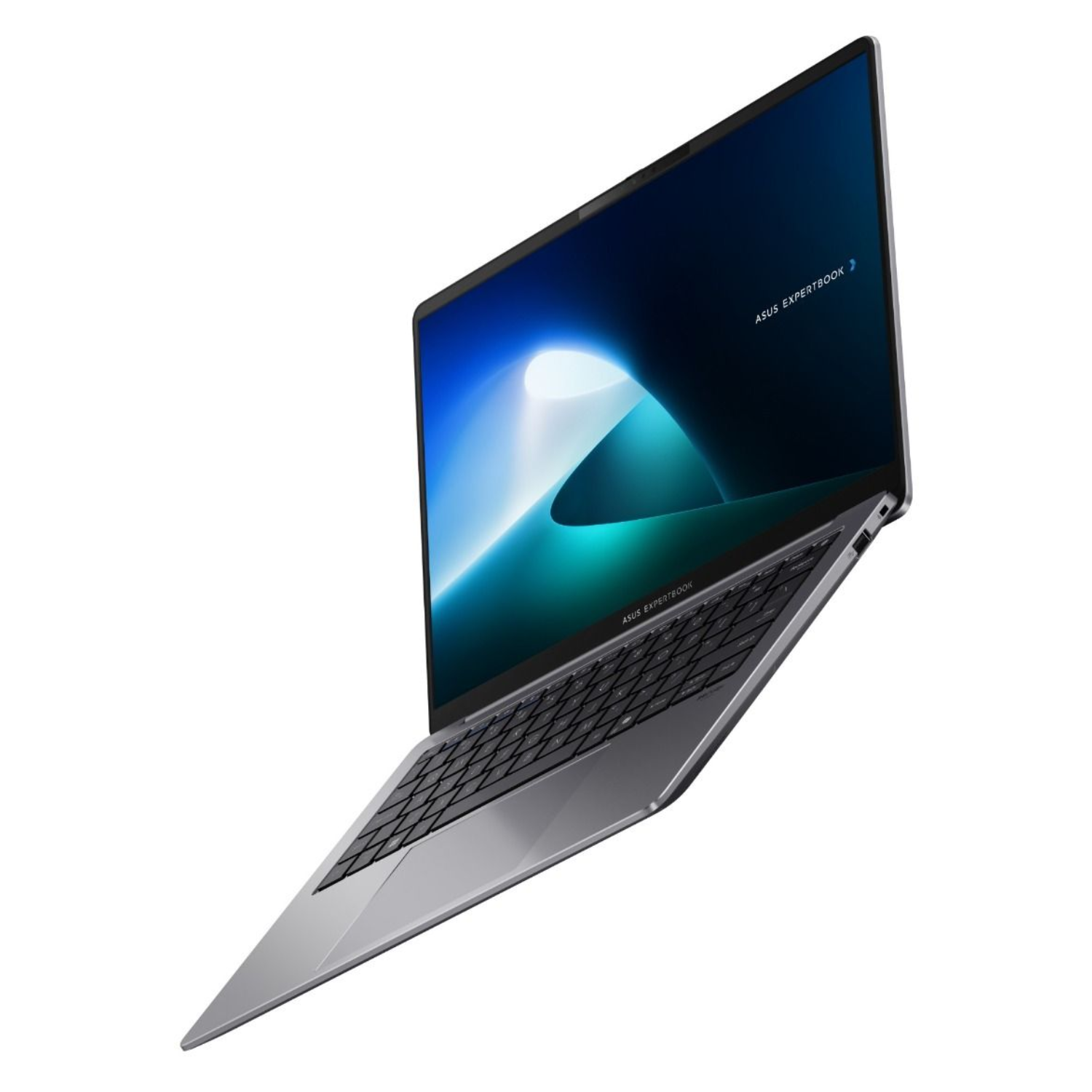
The Asus ExpertBook P5 (P5405-NZ0102X) is a business laptop built for mobility — long meetings, airport lounges, client sites, and full workdays away from a wall outlet. None of that matters, however, if your battery can no longer hold a charge. If your ExpertBook P5 dies within an hour of unplugging, shuts down unexpectedly, or simply won’t charge at all, the culprit is almost always the battery pack itself.
The good news: a worn-out battery is one of the easiest laptop problems to fix. The replacement battery for this model is the C31N2313 — a 5427mAh lithium-polymer battery with part number 0B200-04580000 — and swapping it in can restore your laptop’s original all-day endurance.
In this guide, we’ll cover:
- Why your battery life is so short
- Why your battery won’t charge
- How to tell whether the battery is actually damaged
- Real-world use cases for a replacement battery
- Installation tips and buying checklist
Part 1: Why Is My Asus ExpertBook P5 Battery Life So Short?
Battery degradation is normal — lithium-polymer cells chemically age with every charge cycle. But if you’re noticing a sudden or dramatic drop, here are the most common causes:
1. Natural capacity loss
Most laptop batteries are rated for 500–1,000 full charge cycles before dropping to roughly 70–80% of original capacity. If you’ve used your ExpertBook P5 heavily for two or three years, a 5427mAh pack may effectively behave like a 3,500mAh one.
2. Heat exposure
Heat is the #1 battery killer. Working with the laptop on a bed or sofa, blocking the vents, or storing it in a hot car accelerates cell aging dramatically.
3. Keeping it at 100% all the time
Plugged in 24/7 at full charge? Lithium cells stressed at maximum voltage for months lose capacity faster. (Tip: enable MyASUS “Battery Care Mode” to cap charging at 80% once you have a healthy battery.)
4. Power-hungry software
Sometimes the battery is fine — it’s a runaway process, a browser with 40 tabs, or a background update that’s draining it. Check Task Manager before blaming the hardware.
The key symptom of a genuinely worn battery: runtime keeps shrinking week after week, and the discharge percentage jumps erratically (e.g., 60% → 20% in minutes).
Part 2: Why Won’t My Battery Charge?
“Plugged in, not charging” is one of the most frustrating errors on any laptop. Before ordering a replacement, rule out these fixes:
- Check the charger and cable — try another compatible USB-C charger and inspect the port for lint or damage.
- Power-drain reset — shut down, unplug, hold the power button for 30–60 seconds, then reconnect and reboot.
- Update or reinstall the battery driver — in Device Manager, uninstall “Microsoft ACPI-Compliant Control Method Battery” and restart.
- Check battery health in MyASUS — the app reports the battery’s wear level directly.
If the battery is reported as “Poor” or “Very weak” in MyASUS, or Windows shows a red X over the battery icon with “Consider replacing your battery,” the pack has reached end of life and the C31N2313 replacement is the fix.
⚠️ Also note: if the laptop only works when plugged in and dies instantly when unplugged, the battery is almost certainly dead — not the charger.
Part 3: How to Tell If Your Battery Is Actually Damaged
Use these simple checks before you buy:
Check 1: Built-in Windows battery report
- Open Command Prompt as administrator
- Type
powercfg /batteryreportand press Enter - Open the generated HTML report and compare DESIGN CAPACITY vs FULL CHARGE CAPACITY
If full charge capacity is below ~60–70% of design capacity, the battery is worn out and worth replacing. A design capacity around 65.13 Wh is typical for the ExpertBook P5’s original 5427mAh pack.
Check 2: Physical signs
- Swelling — the trackpad bulges, the bottom case no longer sits flat, or the keyboard deck lifts. A swollen battery is a safety hazard: stop using the laptop and replace it immediately.
- Overheating during light tasks while charging.
- Random shutdowns even with 20–30% charge shown.
Check 3: Charging behavior
- Charge percentage stuck at a fixed number (e.g., always 0% or always 45%)
- Charging stops and starts erratically
- The laptop reports “plugged in, not charging” on multiple known-good chargers
Check 4: Age
If your P5405 has seen 3+ years of daily use, replacement is usually justified even before total failure — new cells restore runtime, reduce heat, and protect against swelling damage to the trackpad and case.
Part 4: The Replacement — C31N2313 / 0B200-04580000 (5427mAh)
| Specification | Detail |
| Battery model | C31N2313 |
| Part number | 0B200-04580000 |
| Compatible laptop | Asus ExpertBook P5 (P5405-NZ0102X) and matching P5405 series variants |
| Capacity | 5427mAh |
| Type | Rechargeable lithium-polymer (Li-Po) |
| Condition | New replacement |
What you get after replacement
- Restored all-day runtime — back to the endurance your ExpertBook shipped with
- Stable charging — no more “plugged in, not charging” errors
- Safe operation — no swollen-cell risk pressing against your trackpad
- Business-grade reliability — reliable sleep/wake and accurate charge percentage readings
Before you buy — checklist
- ✅ Confirm the model printed on your old battery is C31N2313 (or part number 0B200-04580000)
- ✅ Confirm your laptop is an Asus ExpertBook P5405 (P5) series
- ✅ Look for certified cells, over-charge/over-heat protection circuits
- ✅ Check warranty terms (quality replacements typically carry 12 months)
Part 5: Use Cases — Who Needs This Replacement Battery?
💼 Business travelers. If your workday means back-to-back flights and meetings, a degraded battery forces you to hunt for outlets. A fresh 5427mAh cell restores genuine untethered productivity.
🎓 Students and remote workers. Cafés, libraries, and lecture halls aren’t always outlet-friendly. A healthy battery means a full morning of classes or work sessions without carrying the charger.
🛠 Field technicians and sales reps. For anyone using the ExpertBook P5 on-site — inventory checks, presentations, diagnostics — unexpected shutdowns at 30% charge are deal-breakers.
🏢 IT departments and fleet maintenance. Swapping batteries on aging P5405 fleet units is far cheaper than replacing laptops, extending service life by another two or three years.
📦 Second-hand laptop buyers. Bought a used ExpertBook P5? A new battery is the single highest-impact upgrade for an older unit.
Part 6: Installation Overview
The ExpertBook P5 uses an internal battery, so you’ll need a small Phillips screwdriver and a plastic pry tool:
- Shut down completely and unplug the charger (not sleep — full shutdown).
- Remove the bottom cover screws and carefully pry off the base panel.
- Disconnect the battery connector from the motherboard first.
- Remove the retaining screws holding the battery, lift it out.
- Seat the new C31N2313, screw it in, reconnect the cable, and reattach the cover.
- First use: charge to 100%, then discharge to ~10% once to help the system calibrate.
💡 Not comfortable opening your laptop? Any repair shop can perform this 15–20 minute swap inexpensively.
Q: How long does the C31N2313 battery last per charge? A: With a new 5427mAh cell, expect roughly the original factory runtime — typically a full working day of mixed office use, and 6–10+ hours of lighter workloads.
Q: How many charge cycles will it last? A: Quality Li-Po cells typically deliver 500–1,000 cycles before noticeable degradation — about 2–4 years of normal use.
Q: Is it safe to leave the laptop plugged in all the time? A: Yes, but enable Battery Care Mode (80% limit) in MyASUS to extend cell life.
Q: How do I confirm compatibility before ordering? A: Match the model number C31N2313 or part number 0B200-04580000 on your original battery label, and confirm your laptop model is ExpertBook P5405 series.
Short runtime, failure to charge, random shutdowns, and a bulging case are all clear signals that your Asus ExpertBook P5’s battery has reached the end of its life. Rather than replacing an otherwise excellent business laptop, a 5427mAh C31N2313 (0B200-04580000) replacement battery restores full-day mobility for a fraction of the cost — usually in under 30 minutes with basic tools.