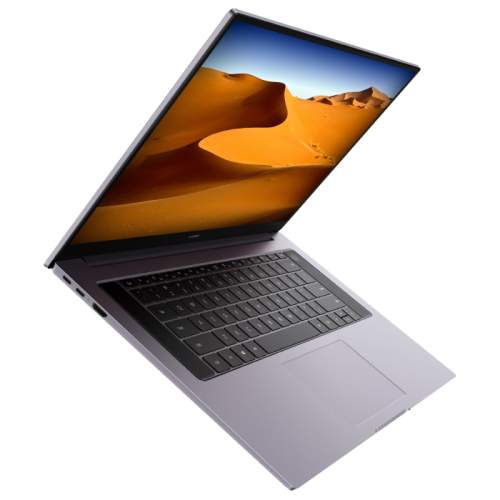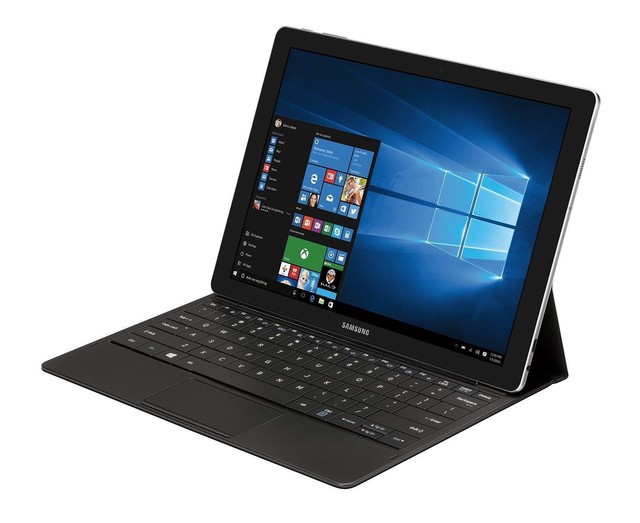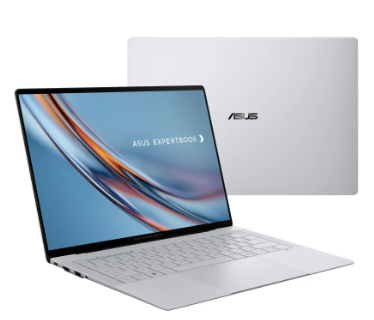
If your Asus ExpertBook no longer lasts through a full workday or suddenly shuts down even with battery power remaining, it may be time to replace the battery. The 3640mAh B31N1915 Battery Replacement is designed to restore dependable performance for compatible Asus ExpertBook laptops, allowing you to work, study, and travel with confidence.
In this guide, we’ll discuss common battery problems, how to determine whether your battery needs replacing, and the best situations for installing a new battery.
The B31N1915 Replacement Battery is compatible with various Asus ExpertBook laptops, including:
- Asus ExpertBook B1
- Asus ExpertBook B1400CEAE
- Asus ExpertBook B1500CEAE
- Asus ExpertBook L1
- Asus ExpertBook L1400CDA
Always verify your original battery model before purchasing a replacement.
Is Your Laptop Battery Draining Too Quickly?
A battery naturally loses capacity after hundreds of charge cycles. If your laptop’s battery life has become noticeably shorter, the battery may be approaching the end of its lifespan.
Common symptoms include:
- Battery lasts only 1–2 hours
- Battery percentage drops rapidly
- Unexpected shutdowns
- Battery level jumps from high to low
- Frequent need to recharge
Installing a new 3640mAh B31N1915 replacement battery can significantly improve runtime and overall mobility.
Why Is My Asus Laptop Battery Not Charging?
A battery that refuses to charge isn’t always defective. Consider checking the following before replacing it:
1. Inspect the Power Adapter
Ensure the charger is working correctly and providing sufficient power.
2. Check the Charging Port
Dust or damaged connectors may interrupt charging.
3. Restart the Laptop
Sometimes battery communication errors can be resolved by restarting the system.
4. Update Battery Drivers
Windows battery drivers or BIOS updates may solve charging issues.
5. Battery Has Reached End of Life
If the laptop only works while plugged in or remains stuck at 0%, the battery cells may have deteriorated beyond recovery.
How to Tell If Your B31N1915 Battery Is Damaged
You should consider replacing your battery if you notice one or more of these warning signs:
- Battery swelling or deformation
- Laptop becomes unusually hot during charging
- Charging stops randomly
- Battery percentage fluctuates dramatically
- System displays “Replace Battery” or battery health warnings
- Battery health software reports significantly reduced capacity
If swelling is present, discontinue use immediately and replace the battery as soon as possible.
Benefits of Replacing the Battery
A new B31N1915 battery offers several advantages:
- Longer battery life
- More stable laptop performance
- Reliable charging
- Better portability
- Reduced risk of unexpected shutdowns
- Improved productivity during travel and meetings
Ideal Usage Scenarios
The 3640mAh B31N1915 Replacement Battery is suitable for many daily situations, including:
Business Professionals
Stay productive throughout meetings, presentations, and business trips without constantly searching for power outlets.
Students
Attend classes, complete assignments, and study in libraries with dependable battery performance.
Remote Workers
Maintain uninterrupted productivity while working from home, cafés, or co-working spaces.
Travelers
Whether you’re on a plane, train, or at the airport, a reliable battery ensures your laptop remains ready whenever you need it.
Tips to Extend Battery Life
To maximize the lifespan of your new battery:
- Keep the battery charge between 20% and 80% whenever possible.
- Avoid exposing the laptop to high temperatures.
- Use the original or a certified compatible charger.
- Reduce screen brightness when appropriate.
- Disconnect unnecessary USB devices.
- Keep Windows and BIOS updated.
- Perform a full charge and discharge cycle occasionally to help calibrate the battery indicator.
If your Asus ExpertBook B1, B1400CEAE, B1500CEAE, L1, or L1400CDA is experiencing rapid battery drain, charging failures, or unexpected shutdowns, replacing the aging battery is often the most effective solution.
The 3640mAh B31N1915 Battery Replacement provides dependable power, improved mobility, and renewed productivity for everyday computing. Choosing a high-quality replacement battery helps extend the life of your laptop and keeps it performing at its best for work, study, and travel.