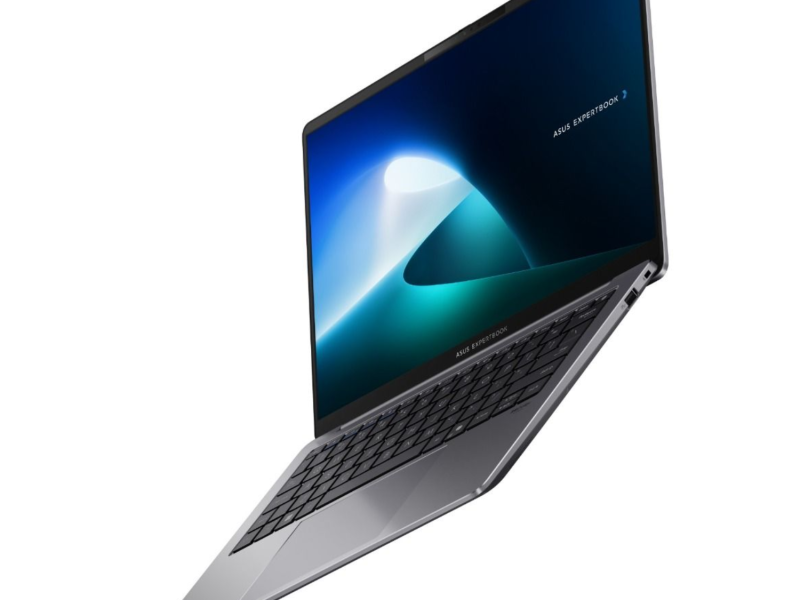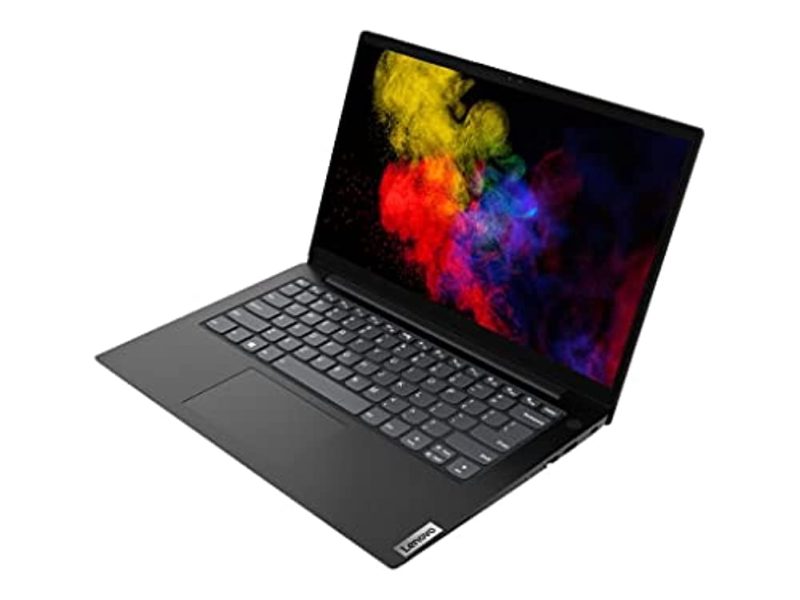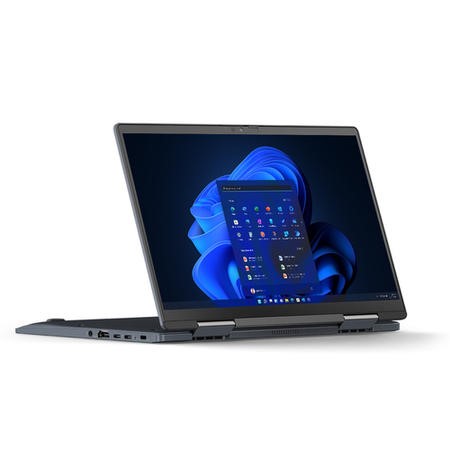
The Toshiba Dynabook Portege X30W and X30W-J are designed for people who need a flexible laptop for work, study, and everyday computing. Their convertible design makes them convenient for switching between laptop and tablet modes, whether you are attending online meetings, taking notes, preparing documents, or working while traveling.
However, after extended use, battery performance may gradually decline. You might notice that your laptop needs charging more frequently, shuts down unexpectedly, or refuses to charge even when connected to a power adapter. If these problems sound familiar, the PS0010UA1BRS battery may need to be checked.
This guide explains common battery problems, how to identify battery failure, and when a replacement battery can help restore everyday convenience.
Why Does the Toshiba Dynabook Portege X30W Battery Drain So Fast?
A battery that once lasted through several hours of work may eventually struggle to maintain sufficient power. This is often related to normal battery aging.
Lithium-ion batteries gradually lose their ability to store energy after repeated charging and discharging cycles. As the battery wears down, its actual capacity becomes lower than when it was new.
Several symptoms may indicate that your Dynabook X30W battery is losing performance:
- The battery percentage drops quickly during normal use.
- The laptop needs to be charged several times throughout the day.
- Battery power decreases significantly even when performing simple tasks.
- The laptop suddenly shuts down despite showing remaining battery power.
- Battery life becomes noticeably shorter during video calls or multitasking.
High screen brightness, multiple background applications, demanding software, and frequent use of wireless connections can also increase power consumption. If battery life remains poor after adjusting these settings, battery aging may be the underlying cause.
Toshiba Dynabook Portege X30W Battery Not Charging: Common Causes
Another frustrating problem is when the laptop does not charge properly. You may connect the power adapter, but the battery percentage stays the same or increases very slowly.
Before deciding that the battery needs replacement, check several possible causes.
First, inspect the charging adapter, cable, and charging port. A loose connection or damaged cable can interrupt power delivery. You can also try another compatible power outlet to rule out an external power issue.
Second, check whether the laptop becomes unusually hot during charging. High temperatures can affect charging behavior and battery performance.
Third, restart the laptop and check whether the operating system recognizes the battery correctly. Temporary software or power-management issues can sometimes cause inaccurate battery readings.
If the adapter and charging connection work normally but the battery consistently fails to charge, cannot maintain power, or remains at a very low percentage, the internal battery may have deteriorated.
How to Tell If Your Dynabook X30W Battery Is Damaged
Not every charging problem means the battery has failed. However, several warning signs can help you determine whether a replacement is worth considering.
1. Battery life has dropped significantly
If your laptop used to last through most of a working session but now requires charging after a short period, its remaining capacity may have decreased.
2. Unexpected shutdowns
A laptop that powers off suddenly while the battery indicator still shows available power may have difficulty delivering stable energy.
3. Charging problems continue
If the battery does not charge properly after checking the adapter, cable, and charging connection, battery deterioration is another possibility.
4. Inconsistent battery percentage
A battery indicator that jumps between percentages or drops unusually quickly may suggest that the battery can no longer provide reliable performance.
5. Physical changes
A swollen battery, unusual odor, or excessive heat should never be ignored. Stop using and charging the device if you suspect battery swelling, and arrange professional inspection rather than attempting to press or puncture the battery.
You can also check the laptop’s battery information through its operating system to review battery condition and compare its current capacity with its original design capacity.
PS0010UA1BRS Battery Replacement for Toshiba Dynabook Portege X30W X30W-J
When battery deterioration begins affecting your daily routine, replacing the worn battery can be a practical solution.
The PS0010UA1BRS replacement battery has a rated capacity of 3450mAh and is intended for compatible Toshiba Dynabook Portege X30W and X30W-J laptops.
Before purchasing, check the battery part number on your existing battery and compare it with PS0010UA1BRS. Also verify the laptop model and physical specifications to ensure compatibility.
A suitable replacement can help address problems caused by reduced battery capacity, including short operating time, frequent charging, and difficulty maintaining power.
For installation, professional assistance is recommended if you are unfamiliar with opening a convertible laptop. Always power off the device and follow appropriate battery handling precautions.
Everyday Usage Scenarios: When Does a Reliable Laptop Battery Matter?
Office Work and Business Meetings
For people using the Dynabook Portege X30W for spreadsheets, presentations, emails, and video conferences, dependable battery performance helps avoid interruptions during important tasks.
Online Learning and Note-Taking
Students often switch between laptop and tablet modes to attend classes, read documents, and take notes. A worn battery can make it difficult to use the laptop away from a charging outlet.
Business Travel and Remote Work
Whether working in a hotel, airport, or shared workspace, a battery that cannot hold enough charge limits flexibility. A properly functioning replacement battery helps make mobile work more convenient.
Everyday Browsing and Entertainment
Watching videos, browsing websites, reading documents, and communicating online all require consistent power. Restoring battery capacity can make these everyday activities more convenient.
Frequently Asked Questions
Q1: Which battery is compatible with the Toshiba Dynabook Portege X30W?
The PS0010UA1BRS battery is designed for compatible Toshiba Dynabook Portege X30W and X30W-J models. Always verify the original battery part number before ordering.
Q2: Why does my Dynabook X30W battery drain so quickly?
The most common reason is natural battery aging. Background applications, high screen brightness, intensive workloads, and high operating temperatures can also contribute to faster battery consumption.
Q3: Can I fix a Toshiba X30W battery that is not charging?
Start by checking the power adapter, charging cable, outlet, and charging port. If these components work correctly but the battery still cannot charge, it may need professional inspection or replacement.
Q4: How do I know when to replace my Dynabook X30W battery?
Frequent charging, significantly reduced runtime, unexpected shutdowns, and inconsistent battery readings are common signs that replacement may be necessary.
Q5: What is the capacity of the PS0010UA1BRS replacement battery?
The PS0010UA1BRS replacement battery has a rated capacity of 3450mAh.
A declining battery can make the Toshiba Dynabook Portege X30W and X30W-J less convenient for work, study, and travel. If your laptop drains quickly, struggles to charge, or shuts down unexpectedly, checking the battery condition is an important first step.
For compatible devices that need a replacement, the 3450mAh PS0010UA1BRS battery is an option worth considering. Confirm the original battery part number and laptop compatibility before replacing the battery.