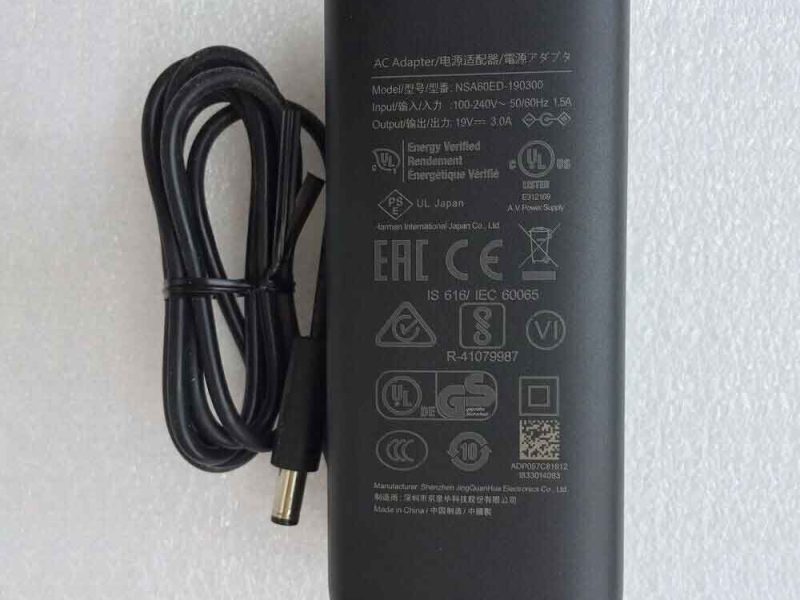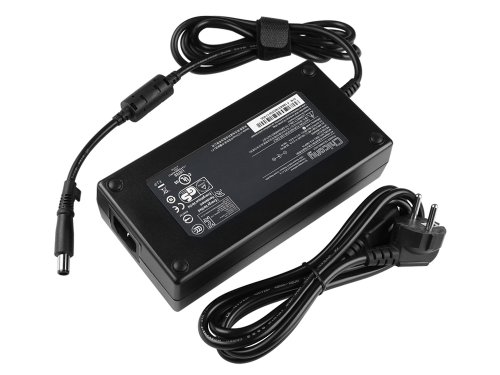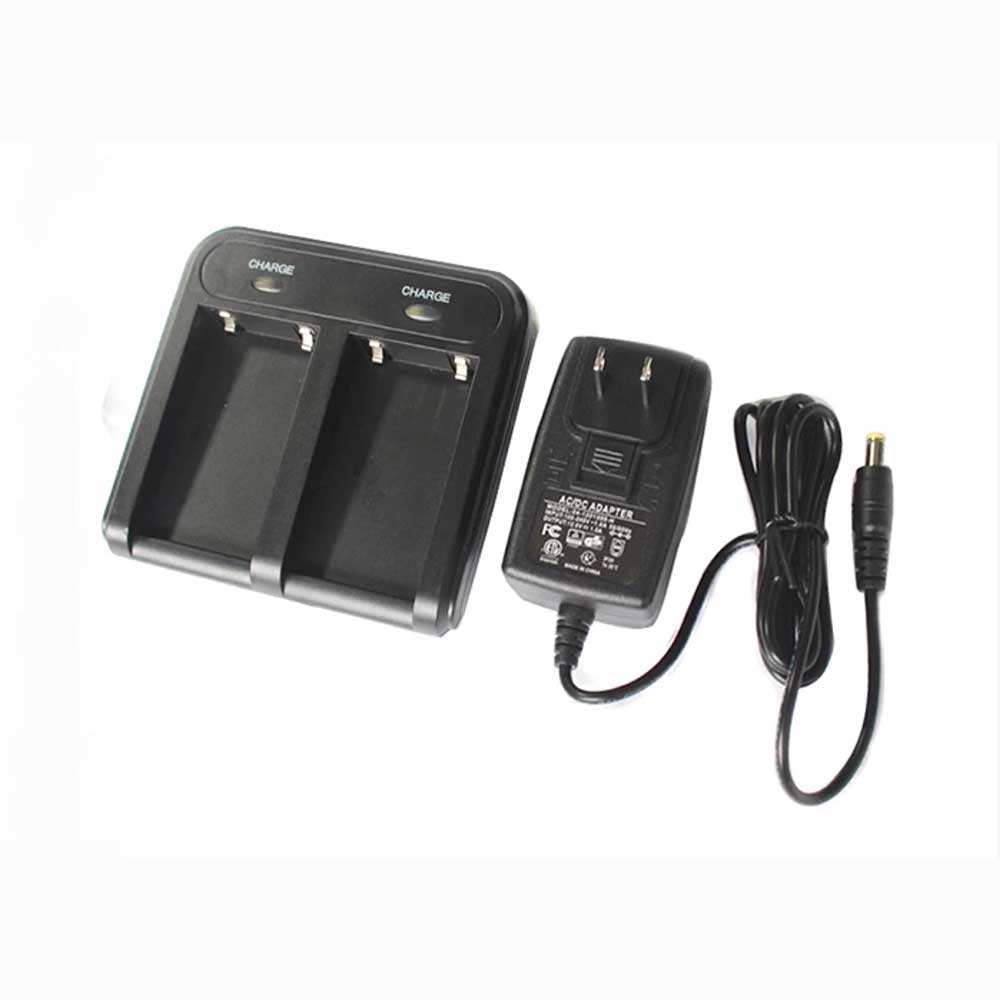
If your GeoMax Zenith 15 RTK suddenly refuses to hold a charge, dies halfway through a stakeout, or shows a full battery that drains in minutes, the problem is rarely the receiver itself. In most cases, the culprit is one of two consumable parts: the ZBA700 battery or the CH-04 charger that keeps it topped up. This guide covers everything field crews need to know — from diagnosing a short battery life and a charger that won’t charge, to telling whether your ZBA700 battery is genuinely dead, plus the real-world surveying scenarios where reliable power makes or breaks the day.
Why the CH-04 Charger Matters More Than You Think
The CH-04 is the dedicated AC power adapter built to recharge the GeoMax Zenith 15 RTK’s ZBA700 battery pack. Its specifications are precise, and that precision matters:
| Specification | Value |
| Compatible part number | CH-04 |
| Compatible model | GeoMax Zenith 15 RTK (ZBA700) |
| AC Input | 100V, 50–60Hz |
| DC Output | 8.4V, 1.0A |
| Charging voltage match | 8.4V = full-charge voltage of a 7.2V Li-ion pack |
| Certifications | CE, RoHS, FCC |
| Protection features | Over-voltage (OVP), over-current (OCP), over-temperature (OTP), short-circuit (SCP) |
The 8.4V output is not arbitrary — it is the exact top-of-charge voltage a 7.2V lithium-ion battery needs. Use an adapter with the wrong output and you either under-charge the pack (short runtime) or over-charge it (permanent cell damage, swelling, and a real safety risk). A genuine-spec CH-04 replacement keeps the charging cycle inside safe limits, with built-in protection against the four failure modes that kill batteries: over-voltage, over-current, over-temperature, and short circuit.
Field tip: Always keep a spare CH-04 charger on hand. A charger failure on a remote site is the fastest way to end a survey day early — and the part is inexpensive compared with the cost of a wasted crew day.
Problem 1: Battery Life That’s Too Short to Finish the Job
The Zenith 15 RTK is rated for roughly 9 hours of static operation and 6 hours of rover operation on a healthy pack. If you’re now getting two or three hours — or the receiver shuts down mid-survey — you are almost certainly dealing with one of these:
1. A degraded ZBA700 battery. Lithium-ion cells are rated for roughly 1,000 charge cycles. After 18–24 months of daily field use, capacity fades naturally. A ZBA700 that once delivered 6 rover hours may drop to 3. This is normal wear, not a defect — and the fix is a fresh battery, not a new receiver.
2. A charger that never fully charges the pack. A weak or failing CH-04 charger may cut off early, leaving the battery at 70–80% instead of 100%. You start the day thinking you’re full and hit empty hours sooner than expected. If runtime dropped suddenly rather than gradually, suspect the charger first.
3. Cold-weather capacity loss. The Zenith series operates from −40°C to 65°C, but Li-ion chemistry temporarily loses usable capacity in the cold. Winter morning surveys can show a “short” battery that recovers by afternoon.
4. Deep discharge from storage. A pack stored flat for months can fall below its protection threshold, permanently reducing capacity.
How to extend ZBA700 runtime
- Recharge before 20%, not at 0%. Deep discharges shorten cell life.
- Avoid charging in high heat — heat is the single biggest killer of Li-ion longevity.
- Condition new batteries: fully charge and discharge a new ZBA700 3–5 times to reach rated capacity.
- Charge in a dry, room-temperature place, away from direct sun or air-conditioning condensation.
- For long-term storage, keep the pack at ~40% charge in a cool, dry spot at 15–25°C, and run a full charge/discharge cycle at least once a month.
Problem 2: The Battery Won’t Charge At All
When you plug in the CH-04 and nothing happens, work through these steps from simplest to most complex. Most “dead charger” calls are solved in the first two checks.
| Symptom | Likely cause | First action |
| No response, no indicator light | Deep-discharged battery in protection mode | Leave on charge 15–30 min, then retry |
| Charges intermittently | Dirty / oxidized charging contacts | Clean contacts with a dry soft cloth or contact cleaner |
| Won’t charge with any battery | Faulty CH-04 adapter or cable | Test with a known-good CH-04 |
| Battery warm but no charge gain | Battery pack failure / cell damage | Replace the ZBA700 |
| Stopped working after wet field use | Moisture ingress | Power off, air-dry, do not disassemble |
| Unit unresponsive, lights stuck on | Firmware lockup | Hold power button 10–15 s for forced restart |
Step-by-step diagnosis
- Confirm the charger output. The CH-04 should deliver 8.4V / 1.0A. An adapter reading below 8.4V will never fully charge a 7.2V pack.
- Inspect the contacts. Dust, sand, and salt spray from field work are the #1 cause of intermittent charging. Clean both the charger tip and the battery terminals.
- Rule out the cable. Internal breaks at flex points are common. Swap in a second CH-04 if you have one.
- Try a known-good battery. If a second ZBA700 charges fine, your charger is good and the original battery is failing — and vice versa.
- Give a deep-discharged pack time. A battery that fell below the protection threshold needs a 15–30 minute “activation” charge before it will respond.
Never use a third-party adapter with the wrong voltage or connector. The 8.4V output must match; mismatched chargers are a leading cause of swollen, unusable ZBA700 packs.
Problem 3: How to Tell If Your ZBA700 Battery Is Actually Dead
Before you buy a replacement, confirm the battery — not the charger or the receiver — is the problem. Here are the reliable signs:
Clear signs the battery is bad:
- Runtime far below spec. For example, a 7.2V / 3400mAh pack that now delivers under half its rated hours after a full charge.
- Erratic battery-level jumps. The indicator leaps from full to empty, or battery LEDs flash a low-power warning shortly after charging.
- The receiver won’t power on even when fully charged, and a known-good battery works fine in the same unit.
- Physical swelling, deformation, or corrosion on the pack. Stop using it immediately — this is a safety issue.
- Charger reports “no battery detected.” Many charger LED systems flash red to indicate a battery defect rather than charging.
- Age past 1,000 cycles / ~2 years. Even if it still charges, a heavily cycled pack is on borrowed time.
How to confirm with a swap test:
- Fully charge both the suspect ZBA700 and a known-good pack.
- Run the receiver under identical conditions with each.
- If the suspect pack fails well short of the known-good one, the battery is the fault.
If a fresh, fully charged pack still won’t charge or won’t hold, test it with a different CH-04 before concluding the battery is dead. The fault could be the charger all along.
Store & Care: Making Batteries and Chargers Last
Field equipment lives a hard life, and batteries are the most failure-prone subsystem on any GNSS receiver. A few habits dramatically extend the life of both your ZBA700 and your CH-04:
- Keep the CH-04 in a dry, room-temperature location — heat and moisture destroy adapters.
- Don’t shake, drop, or over-bend the adapter; internal boards and flex points are fragile.
- Never let the charger’s metal tip touch other metal objects — this can short-circuit and damage both charger and battery.
- Keep water away from the charger. A flooded adapter can short internally even after it dries.
- Store spare batteries at partial charge, and cycle them monthly.
Real-World Use Scenarios: Where Power Reliability Decides the Day
The Zenith 15 RTK is built for rugged, full-day work — which is exactly why battery reliability is non-negotiable. These are the settings where a failing battery or charger hurts most:
Construction stakeout and setting-out. Surveyors stake hundreds of points per day. A battery that dies at lunch means the crew re-mobilizes — and a setting-out error caught late can cost far more than the equipment.
Topographic and control surveys. Long static sessions demand the full ~9-hour static runtime. A degraded pack forces short observation windows and incomplete datasets.
Road, utility, and power-line layout. Linear projects spread crews over long distances, often far from any power source. A spare CH-04 and a good battery are the only insurance against downtime.
Water and marine surveys. Moisture and salt spray attack charging contacts and seals. Clean contacts and a properly sealed charger are essential.
Urban canyons and dense foliage. Q-Lock™ technology keeps the fix under challenging conditions — but only while the rover has power to keep tracking.
Rural and remote GNSS/RTK work with no grid access. There’s no outlet to fall back on. Fully charged spares and a reliable charger are the whole ballgame.
Choosing the Right CH-04 Replacement
When you order a replacement charger, match the original specification exactly:
- Part number: CH-04
- AC input: 100V, 50–60Hz
- DC output: 8.4V, 1.0A
- Compatible with GeoMax Zenith 15 RTK / ZBA700
- CE / RoHS / FCC certified
- A 12-month warranty and 30-day return policy is standard on quality replacements
A genuine-spec CH-04 delivers performance matching the original GeoMax charger, with over-voltage, over-current, over-temperature, and short-circuit protection built in. Pair it with a fresh ZBA700 (7.2V, 3400mAh, Li-ion) battery and your Zenith 15 RTK is back to full-spec runtimes.
Bottom line: A short-charging battery, a charger that won’t charge, and a genuinely dead pack are three different problems with three different fixes. Diagnose from the simplest check outward — contacts, then cable/adapter, then battery — and you’ll solve most field power failures without ever sending the receiver in for service.
How do I know if my GeoMax CH-04 charger is compatible? Verify the part number (CH-04), the AC input (100V 50–60Hz), and the DC output (8.4V 1.0A), and confirm it lists the GeoMax Zenith 15 RTK ZBA700 as a compatible model.
Why does my Zenith 15 RTK battery drain so fast? Most often it’s normal Li-ion capacity fade after ~1,000 cycles (roughly 2 years), a charger that isn’t reaching full charge, or cold-weather capacity loss.
Can I charge the ZBA700 with a third-party charger? Only if it matches the 8.4V / 1.0A specification exactly. Mismatched adapters can under-charge or permanently damage the pack.
Is it normal for a new battery to get warm while charging? Yes. Warming during charge and discharge is normal; sustained overheating is not and indicates a fault.
How should I store a spare ZBA700 battery? At approximately 40% charge, in a dry, cool place at 15–25°C, with a full charge/discharge cycle at least once a month.