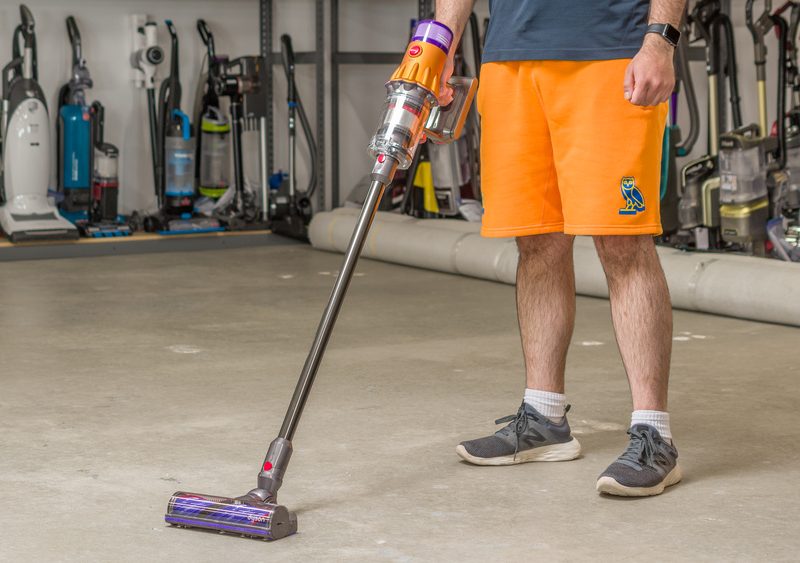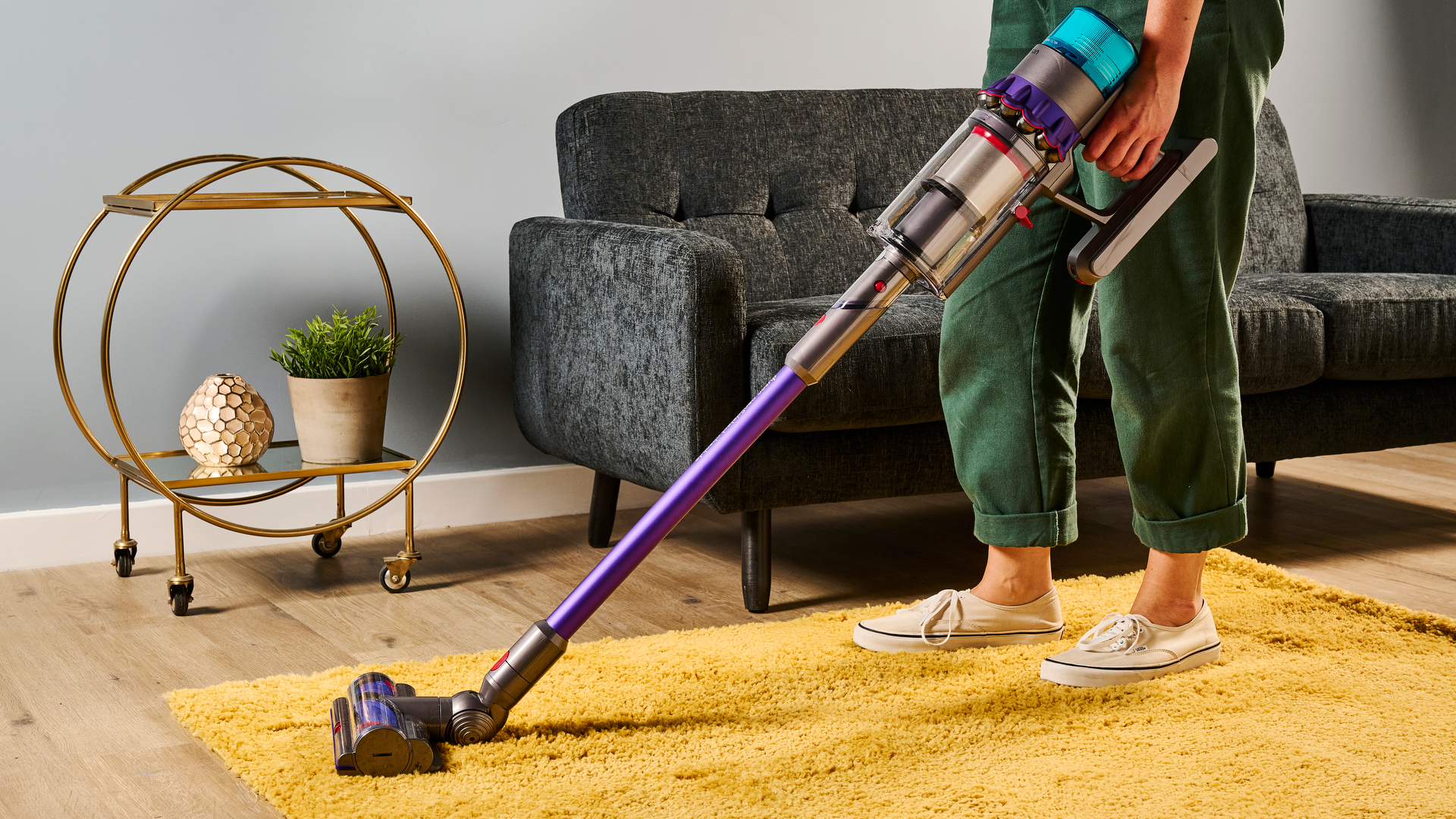
A Dyson cordless vacuum cleaner is designed to make everyday cleaning quick and convenient. However, after years of regular use, one of the most common problems is a battery that no longer provides enough runtime. If your Dyson vacuum suddenly runs for only a few minutes, stops unexpectedly, or refuses to charge, the battery may be reaching the end of its service life.
In this guide, we will explain how to identify common battery problems, when you should consider a Dyson replacement battery, and what to look for when choosing a replacement. If you are searching for a Dyson replacement battery NZ, this guide can also help you understand what to check before purchasing.
Why Does My Dyson Battery Run Out So Quickly?
Short battery life is one of the clearest signs that a cordless vacuum battery may be worn out. A new or healthy battery should provide reasonable cleaning time according to the vacuum’s operating mode and model.
If your Dyson battery drains much faster than it used to, several factors may be responsible:
- The battery has completed many charge and discharge cycles.
- Battery cells have naturally aged.
- The vacuum is frequently used in a high-power or MAX mode.
- The filter or brush head is blocked, causing the motor to work harder.
- The battery has been stored for a long period without proper charging.
- Individual battery cells have lost capacity.
For example, if your Dyson vacuum previously cleaned several rooms on one charge but now shuts down after only a few minutes, battery degradation is a likely explanation.
Replacing an aging battery can restore the convenience of cordless cleaning without necessarily replacing the entire vacuum cleaner.
Dyson Battery Cannot Be Charged: What Should You Check?
Another common problem is a Dyson battery that does not charge. Before purchasing a replacement battery, it is worth checking whether the problem is actually caused by the charger, charging connection, or vacuum.
Try the following steps:
1. Check the charger
Make sure the charger is correctly connected to the power outlet and the vacuum. If possible, check whether the charging indicator behaves normally.
2. Inspect the charging connection
Dust and debris around the charging contacts can sometimes interfere with charging. Carefully clean the accessible contact areas and try charging again.
3. Allow the vacuum to cool down
If the vacuum has been operating continuously, allow it to cool before charging. Excessive heat can affect normal charging behavior.
4. Check for unusual battery symptoms
If the battery becomes unusually hot, appears swollen, has physical damage, or produces an unusual smell, stop using it and replace it appropriately.
If the charger and connections appear to be working normally but the battery still cannot hold or accept a charge, a Dyson replacement battery may be the most practical solution.
How Can You Tell If Your Dyson Battery Is Damaged?
It is not always obvious whether a battery is worn out or completely defective. Look for several symptoms rather than relying on just one.
Sign 1: Extremely Short Runtime
If your Dyson vacuum runs for only a few minutes even after a full charge, the battery may have significantly reduced capacity.
Sign 2: Sudden Shutdown
A vacuum that suddenly turns off even though the battery indicator shows remaining power can indicate battery degradation.
Sign 3: Charging Problems
If the vacuum repeatedly fails to charge or the battery cannot reach a normal full-charge state, the battery may need replacement.
Sign 4: Battery Performance Changes Dramatically
If runtime has gradually decreased over months or years, normal battery aging is a likely cause.
Sign 5: Physical Damage
Swelling, cracking, overheating, or other visible damage should be treated seriously. Do not continue using a physically damaged lithium-ion battery.
It is also important to remember that reduced runtime does not always mean the battery is defective. A blocked filter, clogged brush bar, or other vacuum problem can also increase power consumption.
When Should You Consider a Dyson Replacement Battery?
A replacement battery may be worth considering when your Dyson vacuum still works well mechanically but the original battery no longer meets your cleaning needs.
For example, a replacement can be useful when:
- Your vacuum has significantly shorter runtime.
- The original battery no longer holds a charge.
- You need longer cleaning sessions.
- You have a large home and frequently run out of power.
- You use the vacuum for stairs, cars, furniture, or multiple rooms.
- You want to extend the useful life of your existing Dyson vacuum.
Replacing the battery instead of replacing the entire vacuum can be a practical option when the motor, cleaner head, and other components are still in good condition.
Common Dyson Replacement Battery Use Scenarios
A replacement battery can be particularly useful in several everyday situations.
Whole-House Cleaning
For larger homes, one battery may not provide enough runtime for a complete cleaning session. A fresh replacement battery can make it easier to clean multiple rooms without frequent charging.
Pet Hair Cleaning
Homes with pets often require more frequent vacuuming. If you regularly clean carpets, sofas, stairs, and pet areas, reliable battery performance is especially important.
Car Cleaning
Dyson cordless vacuums are also convenient for cleaning car interiors. A healthy battery gives you enough operating time to clean seats, carpets, floor mats, and hard-to-reach areas.
Quick Daily Cleaning
For everyday crumbs, dust, and small messes, a dependable battery ensures the vacuum is ready whenever you need it.
High-Power Cleaning
If you frequently use a higher-power cleaning mode, battery capacity can decrease more quickly during each cleaning session. A replacement battery can help restore useful runtime, although high-power modes will still consume more energy.
Where to Buy Dyson Battery Replacement?
If you are searching for where to buy Dyson battery replacement, start by identifying your exact Dyson vacuum model and the battery model or part number.
This is important because Dyson cordless vacuums use different battery designs and specifications. A battery that fits one model may not be suitable for another.
When choosing a replacement, check:
- Exact Dyson vacuum model compatibility
- Battery model or part number
- Voltage
- Capacity
- Physical dimensions
- Connector design
- Battery protection features
- Seller or manufacturer information
- Warranty and return policy
For customers searching for a Dyson replacement battery NZ, it is also worth checking shipping availability, delivery times, warranty coverage, and whether the seller provides support for customers in New Zealand.
How to Choose the Right Dyson Replacement Battery
Capacity is an important specification, but it should not be the only consideration.
A higher-capacity battery may provide longer potential runtime, but compatibility and battery quality are more important. Always make sure the replacement is designed for your specific Dyson model.
A good replacement battery should provide stable performance, appropriate protection, and reliable charging. Avoid choosing a battery solely because it has the highest mAh rating.
Before ordering, compare the original battery’s specifications with the replacement product information carefully.
Tips for Getting Longer Battery Life
Once you install a replacement battery, a few simple habits can help maintain good performance.
Keep the filter clean: A dirty filter can restrict airflow and make the vacuum work harder.
Clean the brush head: Remove hair, dust, and debris regularly.
Avoid unnecessary MAX-mode use: High-power operation consumes considerably more battery power.
Store the vacuum appropriately: Avoid exposing the battery to extreme heat or cold.
Charge according to the manufacturer’s instructions: Use a compatible charger and avoid using damaged charging equipment.
Do not ignore unusual battery behavior: Excessive heat, swelling, or physical damage should never be overlooked.
A Dyson cordless vacuum can remain useful for many years, but its battery will naturally lose capacity with repeated use. Short runtime, sudden shutdowns, and charging problems are common signs that the original battery may need attention.
Before buying a Dyson replacement battery, check your exact vacuum model, battery specifications, compatibility, and seller information. If you are looking for a Dyson replacement battery NZ, also consider local shipping, warranty, and after-sales support.
With the right replacement battery, an otherwise well-functioning Dyson vacuum can continue to provide convenient cordless cleaning for everyday homes, cars, stairs, carpets, furniture, and pet-hair cleanup.