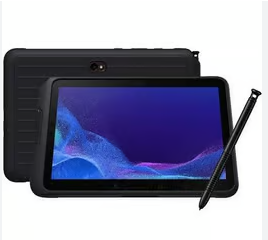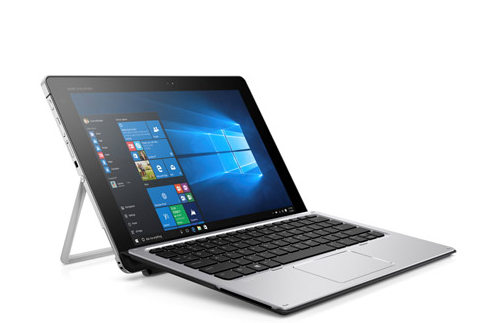
The battery is one of the most important components of any HP tablet. Whether you use your device for work, study, or entertainment, battery performance directly affects daily usability. In this guide, we’ll explore common HP tablet battery issues, tips to extend battery life, and when it’s time to consider a replacement.
Understanding HP Tablet Battery Performance
A typical tablet HP battery is designed to provide several hours of usage on a full charge. Battery capacity, usage habits, and system settings all influence how long the tablet can run.
Common factors that affect battery life include:
- Screen brightness and display size
- Running multiple apps at the same time
- WiFi and Bluetooth usage
- Battery age and charge cycles
Over time, even high-quality HP tablet batteries will naturally lose capacity.
Common HP Tablet Battery Problems
As the battery ages, users may notice several issues, such as:
- Battery drains quickly even with light use
- Tablet shuts down suddenly at low or medium battery levels
- Battery percentage jumps or displays incorrectly
- Tablet becomes warm during charging
These symptoms usually indicate battery wear and may signal that a replacement is needed.
Tips to Extend HP Tablet Battery Life
If your HP tablet battery is still in good condition, these tips can help maximize its lifespan:
- Lower screen brightness or enable auto-brightness
- Turn off WiFi and Bluetooth when not in use
- Close background applications
- Avoid overcharging for long periods
- Use the original or a certified HP-compatible charger
Proper charging habits can significantly slow down battery degradation.
When to Replace an HP Tablet Battery
If your tablet no longer lasts long enough for daily tasks, replacing the battery is often more cost-effective than buying a new device.
You may need an HP tablet battery replacement if:
- Battery life has dropped below 50% of original performance
- The tablet only works when plugged in
- The battery is swollen or the screen is lifting
A new battery can restore portability and extend the overall life of your HP tablet.
Choosing the Right Replacement Battery for HP Tablet
When selecting a replacement battery, always check:
- Exact tablet model number
- Battery part number and voltage
- Capacity (mAh or Wh) compatibility
Using a high-quality, compatible battery ensures stable performance, safe charging, and longer service life.
The HP tablet battery plays a key role in device performance and user experience. By understanding common battery problems, practicing good charging habits, and choosing the right replacement when necessary, you can keep your HP tablet running smoothly for years.