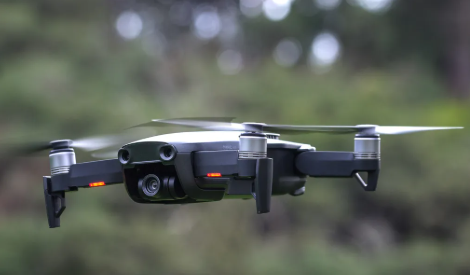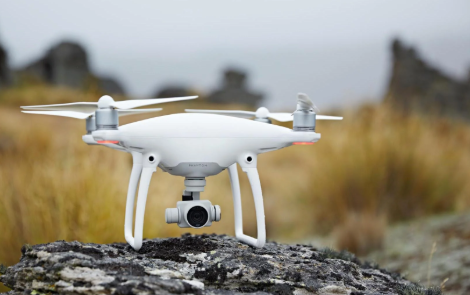
DJI drones are known for their outstanding aerial photography performance, intelligent flight systems, and reliable battery technology. However, after months or years of use, many drone owners begin to notice shorter flight times, charging issues, or battery warning messages. Understanding the condition of your DJI drone battery is essential for safe flights and optimal performance.
Common Signs of DJI Drone Battery Failure
A healthy DJI battery should provide stable power throughout the flight. If you notice any of the following symptoms, your battery may be approaching the end of its lifespan:
- Significantly reduced flight time
- Battery percentage drops suddenly during flight
- Battery overheats while charging
- Drone displays battery error messages
- Battery fails to charge fully
- Swollen or deformed battery pack
Ignoring these warning signs may increase the risk of unexpected landings or flight interruptions.
Why Is My DJI Drone Battery Draining So Fast?
Several factors can reduce battery performance:
1. Battery Aging
Lithium-ion batteries naturally lose capacity over time. After hundreds of charge cycles, the battery can no longer store as much energy as when it was new.
2. Extreme Temperatures
Flying in very hot or cold environments can negatively affect battery efficiency and shorten flight duration.
3. Improper Storage
Leaving a battery fully charged or completely discharged for long periods may accelerate battery degradation.
4. High-Power Flight Modes
Sport Mode, strong winds, and aggressive flying require more power, causing faster battery consumption.
What to Do If Your DJI Battery Won’t Charge
If your DJI drone battery is not charging properly, try the following steps:
Check the Charger
Verify that the charger and charging cable are functioning correctly. A faulty charger is often the cause of charging problems.
Clean Battery Contacts
Dust, moisture, or oxidation on battery terminals may prevent proper charging.
Allow the Battery to Cool Down
If the battery becomes too hot after a flight, wait until it reaches room temperature before charging.
Inspect for Physical Damage
Cracks, swelling, or impact damage may indicate that the battery should be replaced immediately.
How to Tell If Your DJI Battery Needs Replacement
A replacement battery may be necessary if:
- Flight time has decreased by more than 30%
- The battery has visible swelling
- Charge cycles exceed the manufacturer’s recommended limit
- The battery cannot maintain stable voltage
- DJI Fly App displays battery health warnings
Replacing an aging battery can improve flight safety and restore normal flight performance.
Best Practices to Extend DJI Battery Life
To maximize the lifespan of your drone battery:
- Store batteries at 40%–60% charge when not in use
- Avoid exposing batteries to extreme temperatures
- Use only compatible chargers
- Perform regular battery health checks
- Allow batteries to cool before recharging
- Avoid complete discharge whenever possible
These simple habits can significantly extend battery longevity.
Compatible Replacement Batteries for DJI Drones
High-quality replacement batteries are available for many popular DJI models, including:
- DJI Mini Series
- DJI Air Series
- DJI Mavic Series
- DJI Phantom Series
- DJI Inspire Series
- DJI FPV Series
When purchasing a replacement battery, ensure that voltage, capacity, and connector specifications match your drone model.
Your DJI drone battery plays a critical role in flight safety and performance. If you’re experiencing reduced flight time, charging issues, or battery health warnings, it may be time to inspect or replace the battery. Choosing a reliable replacement battery and following proper maintenance practices can help you enjoy longer flights and safer aerial adventures.
Looking for a high-quality DJI replacement battery? Explore our selection of compatible drone batteries designed for reliable performance and extended flight time.