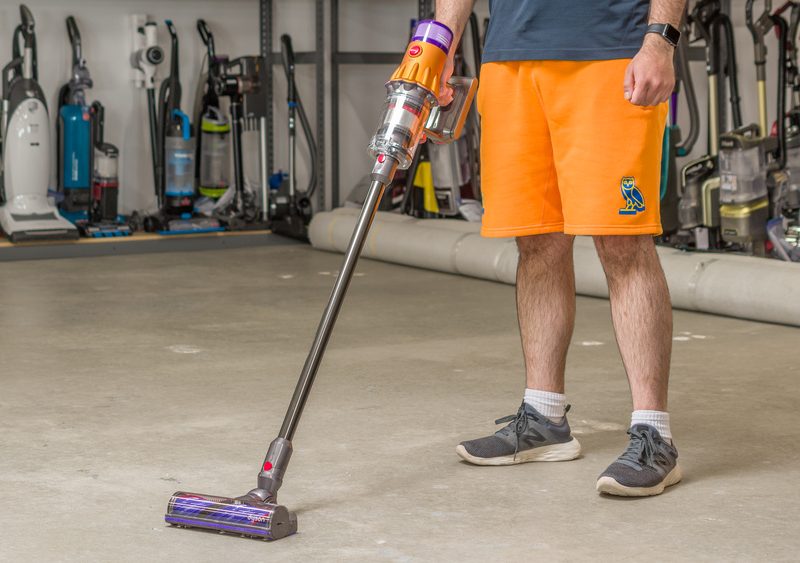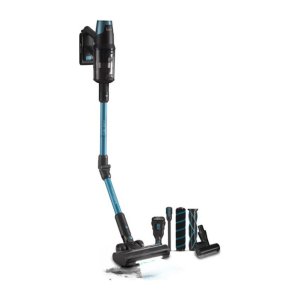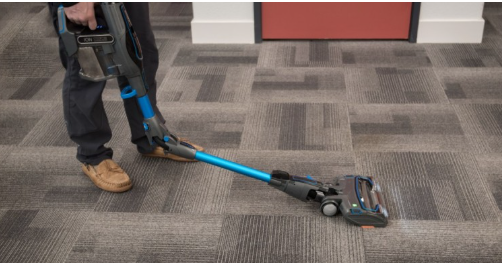
If your cordless vacuum suddenly loses runtime, stops charging, or delivers weak suction after only a few minutes of cleaning, the issue is often related to battery aging. Choosing the right XBAT200AS Battery Replacement can restore the original performance of your vacuum and help you avoid replacing the entire machine.
This guide explains common battery problems, compatibility information, and how to choose a dependable Shark XBAT200AS battery for your Shark IONFlex and Shark IF200 series vacuum cleaners.
Why Your Shark Vacuum Battery Stops Performing Well
Cordless vacuums rely heavily on lithium-ion battery health. After repeated charging cycles, battery capacity naturally decreases. Many users begin to notice these issues after long-term daily use:
- Vacuum runtime becomes much shorter
- Battery drains quickly even after full charging
- Charging indicator flashes abnormally
- Vacuum powers off unexpectedly
- Suction performance weakens
- Battery overheats during charging
When these symptoms appear, replacing the battery is often the most cost-effective solution.
What Is the XBAT200AS Battery?
The XBAT200AS battery is a rechargeable lithium-ion battery designed for selected Shark cordless vacuum models. It provides stable power output and helps maintain strong cleaning performance for everyday home use.
Typical specifications include:
- Battery Model: XBAT200AS
- Battery Type: Lithium-ion
- Capacity: 2450mAh
- Voltage: 25.2V
- Rechargeable Design
A high-quality Shark XBAT200AS battery can significantly improve runtime and restore cleaning efficiency.
Compatible Shark Vacuum Models
This XBAT200AS Battery Replacement is commonly compatible with several Shark cordless vacuum series, including:
- Shark ION Rocket
- Shark IONFlex
- Shark IONFlex 2X
- Shark IF200
- Shark IF201
- Shark IF202
- Shark IF203
- Shark IF205
- Shark IF251
- Shark IF281
Before purchasing, always confirm the original battery model number and vacuum compatibility.
Signs You Need a Shark IF200 Battery Replacement
Many users continue using a failing battery without realizing how much cleaning performance they have lost. Here are common warning signs that indicate you may need a Shark IF200 battery replacement:
1. Extremely Short Runtime
If the vacuum only runs for several minutes after full charging, battery cells may have degraded.
2. Inconsistent Power Output
Sudden shutdowns or fluctuating suction often indicate unstable battery voltage.
3. Charging Failure
If the charger cannot fully charge the battery or charging lights blink continuously, internal battery protection may have failed.
4. Battery Overheating
Excessive heat during charging or operation can indicate aging lithium-ion cells.
Replacing the battery early can prevent further strain on the vacuum motor.
Benefits of Choosing a High-Quality Replacement Battery
A premium replacement battery offers more than just restored runtime. The right battery improves overall user experience and cleaning efficiency.
Longer Cleaning Sessions
A fresh 2450mAh battery provides longer uninterrupted operation for whole-home cleaning.
Stable Suction Performance
Consistent voltage helps maintain powerful suction throughout the cleaning cycle.
Safer Charging Protection
Quality batteries include protections against:
- Overcharging
- Overheating
- Short circuits
- Overcurrent
Cost-Effective Maintenance
Replacing the battery is much cheaper than purchasing a brand-new cordless vacuum cleaner.
How to Extend the Life of Your Shark XBAT200AS Battery
Proper battery maintenance can maximize lifespan and performance.
Avoid Complete Battery Drain
Recharge the battery before it reaches 0%.
Store in Moderate Temperatures
Avoid exposing the battery to excessive heat or freezing conditions.
Use the Correct Charger
Always use compatible Shark charging equipment.
Clean Battery Contacts
Dust and debris on battery terminals can affect charging efficiency.
Charge Regularly
Even if unused, recharge the battery periodically to maintain cell health.
How to Replace the XBAT200AS Battery
Replacing the battery is usually quick and simple.
- Turn off and unplug the vacuum
- Remove the old battery from the vacuum body
- Insert the new XBAT200AS battery securely
- Fully charge before first use
- Test the vacuum for proper operation
Most users can complete installation within minutes without special tools.
Why Many Users Choose Replacement Batteries Instead of New Vacuums
Cordless vacuum prices continue to rise, making battery replacement an increasingly popular option. A new Shark XBAT200AS battery can restore much of the original cleaning performance at a fraction of the cost.
For households using Shark IONFlex or Shark IF200 models daily, replacing the battery is often the smartest long-term maintenance decision.
If your vacuum no longer delivers the runtime and suction it once had, installing a reliable XBAT200AS Battery Replacement may be the fastest and most affordable solution.
A compatible Shark XBAT200AS battery helps restore cleaning power, improve runtime, and extend the life of your Shark cordless vacuum. Whether you need a Shark IF200 battery replacement or a battery for your Shark IONFlex series, choosing a quality lithium-ion replacement can bring your vacuum back to peak performance.