When an HP laptop battery starts losing its capacity, shutting down unexpectedly, or no longer holding a charge, replacing the battery can be a practical way to extend the life of the laptop. Choosing the correct replacement battery is important because HP laptops use different battery models, voltages, capacities, and connector designs.
In this guide, we explain how to find the right battery for an HP laptop, what information you should check before purchasing, and what to consider when looking for an HP laptop battery replacement, including options for customers searching for HP laptop battery replacement NZ.
Why Does an HP Laptop Need a Battery Replacement?
Laptop batteries naturally lose capacity after repeated charging and discharging cycles. An aging battery may provide significantly less runtime than when the laptop was new.
Common signs that your HP laptop battery may need replacing include:
- The battery drains much faster than before.
- The laptop shuts down unexpectedly when running on battery power.
- The battery percentage remains low even after charging.
- The laptop displays a battery warning message.
- The battery is swollen or physically damaged.
- The computer only works reliably when connected to the charger.
If the battery is swollen, stop using the laptop and avoid puncturing or opening the battery. A damaged lithium-ion battery should be handled and replaced safely.
How to Find a Replacement Battery for an HP Laptop
One of the most common questions from HP laptop owners is how to find replacement battery for HP laptop. The safest approach is to identify the exact laptop model and battery part number before purchasing a replacement.
1. Check the HP Laptop Model
Start by identifying the exact model of your HP laptop. The model name may be printed on the bottom case, near the display, or on the original packaging.
HP has many product families, including Pavilion, ENVY, EliteBook, ProBook, Spectre, and other series. Even laptops from the same series may use different batteries, so the complete model information is important.
2. Find the Original Battery Part Number
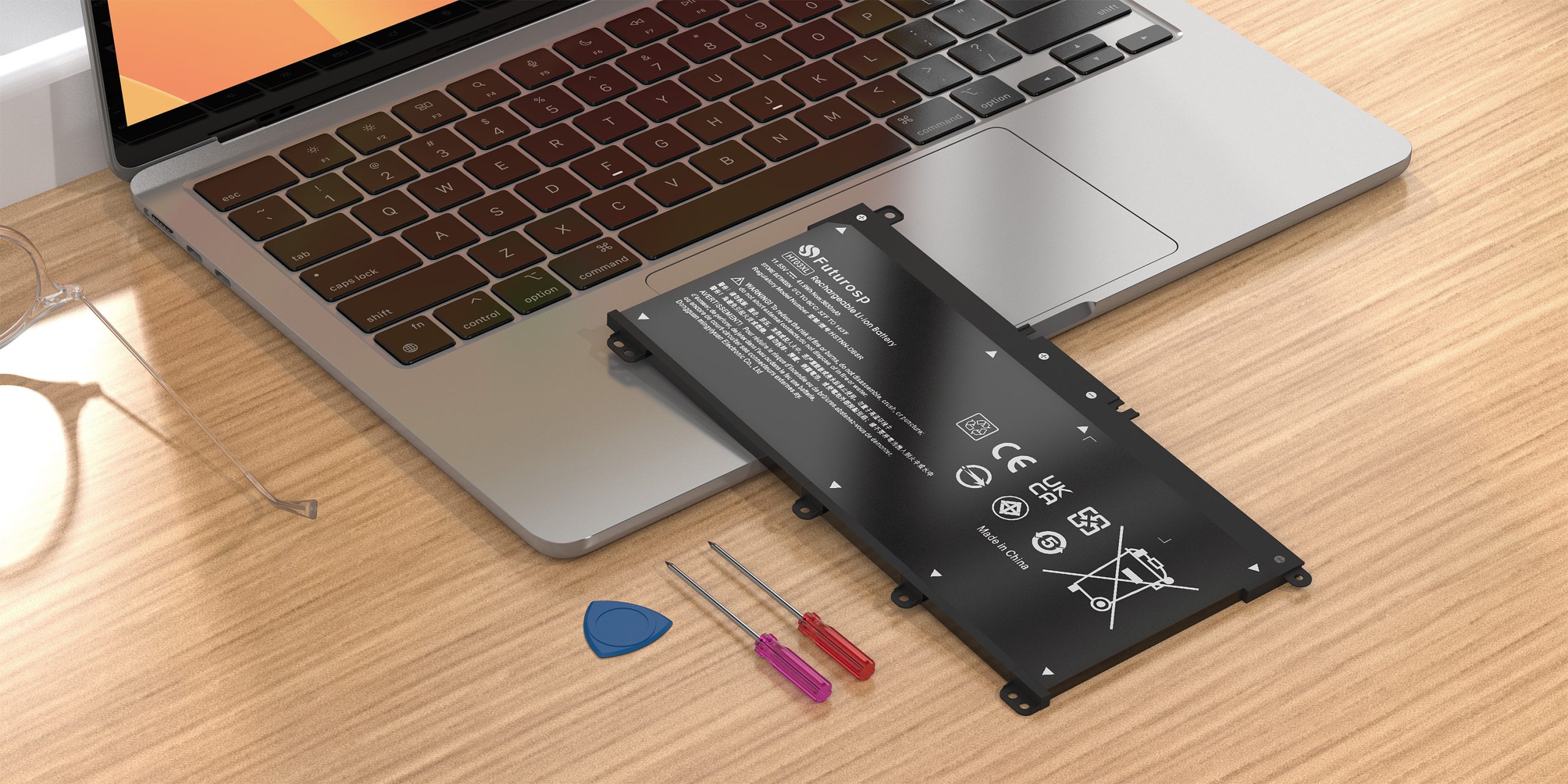
The battery part number is usually one of the most useful pieces of information when searching for an HP laptop battery replacement. Depending on the laptop, the battery may contain labels showing a battery model, spare number, or other identification code.
Compare the original battery’s part number with the replacement battery listing before ordering. Matching the part number can help reduce the risk of purchasing an incompatible battery.
3. Compare Voltage and Capacity
Battery voltage should be compatible with the original battery and the laptop. Capacity is normally shown in mAh or Wh. A replacement battery with a suitable capacity can provide longer or shorter runtime depending on its specifications.
Do not choose a battery based only on its physical appearance. Two HP batteries may look similar while having different electrical specifications or connectors.
4. Check the Battery Connector and Dimensions
The battery must physically fit inside the laptop and use the correct connector. Before purchasing, check the battery dimensions, connector position, mounting points, and other specifications whenever they are available.
HP Laptop Battery Replacement in New Zealand
For users searching for HP laptop battery replacement NZ, it is important to consider not only battery compatibility but also delivery time, warranty, return policies, and local purchasing requirements.
Before ordering a replacement battery in New Zealand, check the exact HP laptop model and battery part number. This is especially useful when buying online because product names can sometimes be similar across different HP laptop generations.
Customers should also check whether the seller provides clear battery specifications, compatibility information, and warranty support. These details can make the replacement process easier and help avoid ordering the wrong battery.
OEM vs. Compatible HP Laptop Batteries
When replacing an HP laptop battery, you may find both original and compatible replacement batteries.
An original battery is produced for the manufacturer’s equipment, while a compatible replacement battery is designed to work with specific laptop models and battery part numbers.
Regardless of which type you choose, compatibility should be the first consideration. A replacement battery should have appropriate voltage, capacity, connector design, dimensions, and protection circuitry for the intended laptop.
How Long Does an HP Laptop Replacement Battery Last?
The service life of a laptop battery depends on factors such as charging habits, operating temperature, workload, battery quality, and the number of charge cycles.
Heavy applications, high screen brightness, gaming, and intensive background processes can consume more battery power. Keeping the laptop at a reasonable temperature and avoiding unnecessary high-power workloads while on battery can help improve battery runtime.
Tips for Choosing the Right HP Laptop Battery
- Identify the exact HP laptop model.
- Check the original battery part number.
- Compare voltage and capacity.
- Confirm the connector and physical dimensions.
- Check the seller’s compatibility information.
- Review warranty and return policies.
- Choose a battery from a reliable supplier.
Finding the correct HP laptop battery replacement does not have to be difficult. The most important step is identifying the exact laptop model and original battery part number, then comparing the voltage, capacity, connector, and physical specifications.
Whether you are searching for an HP laptop battery replacement NZ or simply want to know how to find replacement battery for HP laptop, taking a few minutes to verify compatibility before purchasing can help you choose the right replacement and keep your HP laptop running reliably.