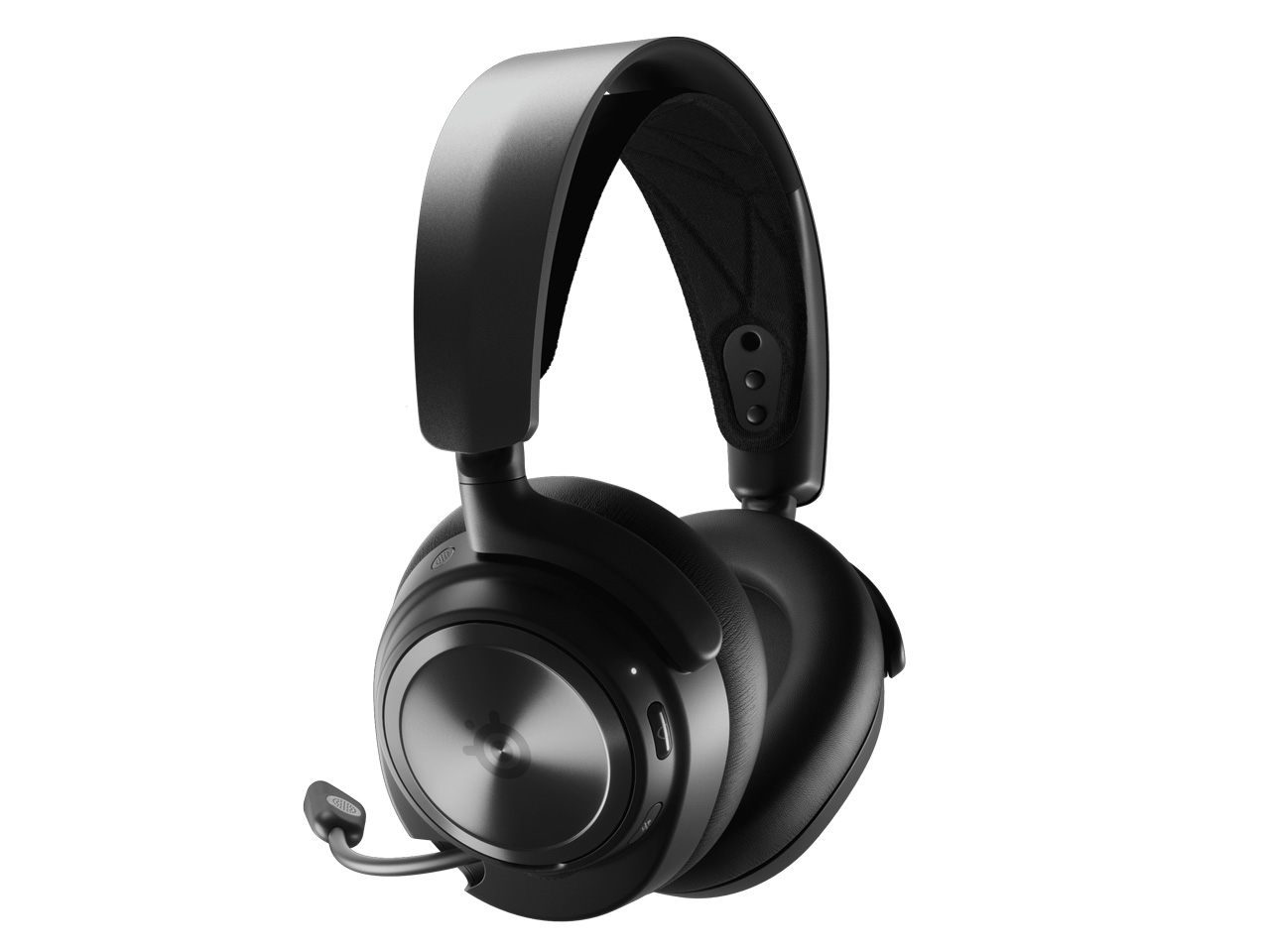
For gamers, a reliable headset battery is essential for long gaming sessions, online communication, and immersive audio experiences. The SteelSeries Arctis Nova Pro is known for its premium sound quality and advanced features, but like all rechargeable devices, its battery performance may decrease after long-term use.
If your headset starts running out of power quickly, cannot hold a charge, or suddenly shuts down during gaming, the original battery may have reached the end of its lifespan. A 700mAh NP-45 battery replacement for SteelSeries Arctis Nova Pro can help restore stable power performance and extend the usable life of your gaming headset.
Common Signs Your SteelSeries Arctis Nova Pro Battery Needs Replacement
Rechargeable lithium batteries naturally lose capacity after repeated charging cycles. The following problems often indicate that your headset battery is aging:
1. Short Battery Life During Gaming
One of the most common issues is reduced battery runtime.
A new SteelSeries Arctis Nova Pro battery can provide long-lasting power for gaming, voice chat, music, and entertainment. However, after years of use, you may notice:
- Battery percentage drops quickly
- Headset needs frequent charging
- Battery cannot last through a gaming session
- Device turns off unexpectedly
If your headset used to work for many hours but now only lasts a short time, the NP-45 battery may have lost capacity.
2. SteelSeries Arctis Nova Pro Battery Not Charging
Another common problem is charging failure. Symptoms may include:
- Battery percentage stays unchanged while charging
- Headset only works when connected to a charger
- Charging stops randomly
- Battery indicator shows incorrect information
- Headset cannot power on after charging
Before replacing the battery, check the charging cable, charging port, and power adapter. If these components work normally, the internal battery may be damaged.
How to Check Whether Your NP-45 Battery Is Damaged
Before purchasing a replacement battery, you can perform several simple checks.
Check 1: Observe Battery Performance
A damaged battery usually shows abnormal power behavior:
- Battery drains much faster than before
- The headset shuts down suddenly
- Battery level jumps from high percentage to empty
- Charging time becomes unusually long
These are typical signs of battery capacity degradation.
Check 2: Test Charging Function
Try the following steps:
- Use an original or reliable charging cable.
- Charge the headset for several hours.
- Restart the headset after charging.
- Check whether battery performance improves.
If the charging issue remains, the battery may need replacement.
Check 3: Inspect Physical Battery Condition
A damaged lithium battery may show:
- Battery swelling
- Unusual heat during charging
- Strange smell
- Visible damage
If these problems occur, stop using the battery and replace it with a compatible replacement battery.
700mAh NP-45 Battery Replacement for SteelSeries Arctis Nova Pro
The 700mAh NP-45 replacement battery is designed to restore reliable power performance for compatible SteelSeries Arctis Nova Pro gaming headsets.
Product Features:
- Battery Model: NP-45
- Capacity: 700mAh
- Battery Type: Rechargeable Lithium Battery
- Compatible Device: SteelSeries Arctis Nova Pro
- Designed for replacing old or damaged batteries
- Helps improve battery runtime and charging stability
A high-quality replacement battery can provide a practical solution for users who experience poor battery performance without needing to replace the entire headset.
Gaming Scenarios That Require Reliable Battery Performance
A healthy headset battery is important in many situations:
Long Gaming Sessions
For competitive gaming, sudden power loss can interrupt important matches. A reliable replacement battery helps maintain continuous gameplay.
Online Meetings and Voice Chat
Gamers, streamers, and remote workers often use wireless headsets for communication. Battery issues can cause unexpected interruptions during calls.
Music and Entertainment
Whether listening to music, watching movies, or traveling, longer battery life provides a better wireless experience.
Professional Gaming and Streaming
Content creators and esports players depend on stable audio equipment. A replacement battery helps ensure the headset remains ready for extended use.
Tips to Extend SteelSeries Arctis Nova Pro Battery Life
After installing a new NP-45 battery, proper usage can help extend battery lifespan:
- Avoid completely draining the battery frequently
- Do not leave the headset charging for extremely long periods
- Store the headset in a cool, dry place
- Use a suitable charger and cable
- Charge the battery regularly when not in use
Following these practices can help maintain battery capacity and improve long-term performance.
Battery aging is one of the most common reasons why wireless gaming headsets experience short runtime and charging problems. If your SteelSeries Arctis Nova Pro battery drains quickly, cannot charge properly, or shuts down unexpectedly, replacing the old battery with a 700mAh NP-45 battery replacement can be an effective solution.
A compatible replacement battery allows gamers to restore stable power, enjoy longer gaming sessions, and extend the service life of their SteelSeries Arctis Nova Pro headset without purchasing a completely new device.